Setting balance rules in Primary
Last updated: September 22, 2025
Setting rules in Primary
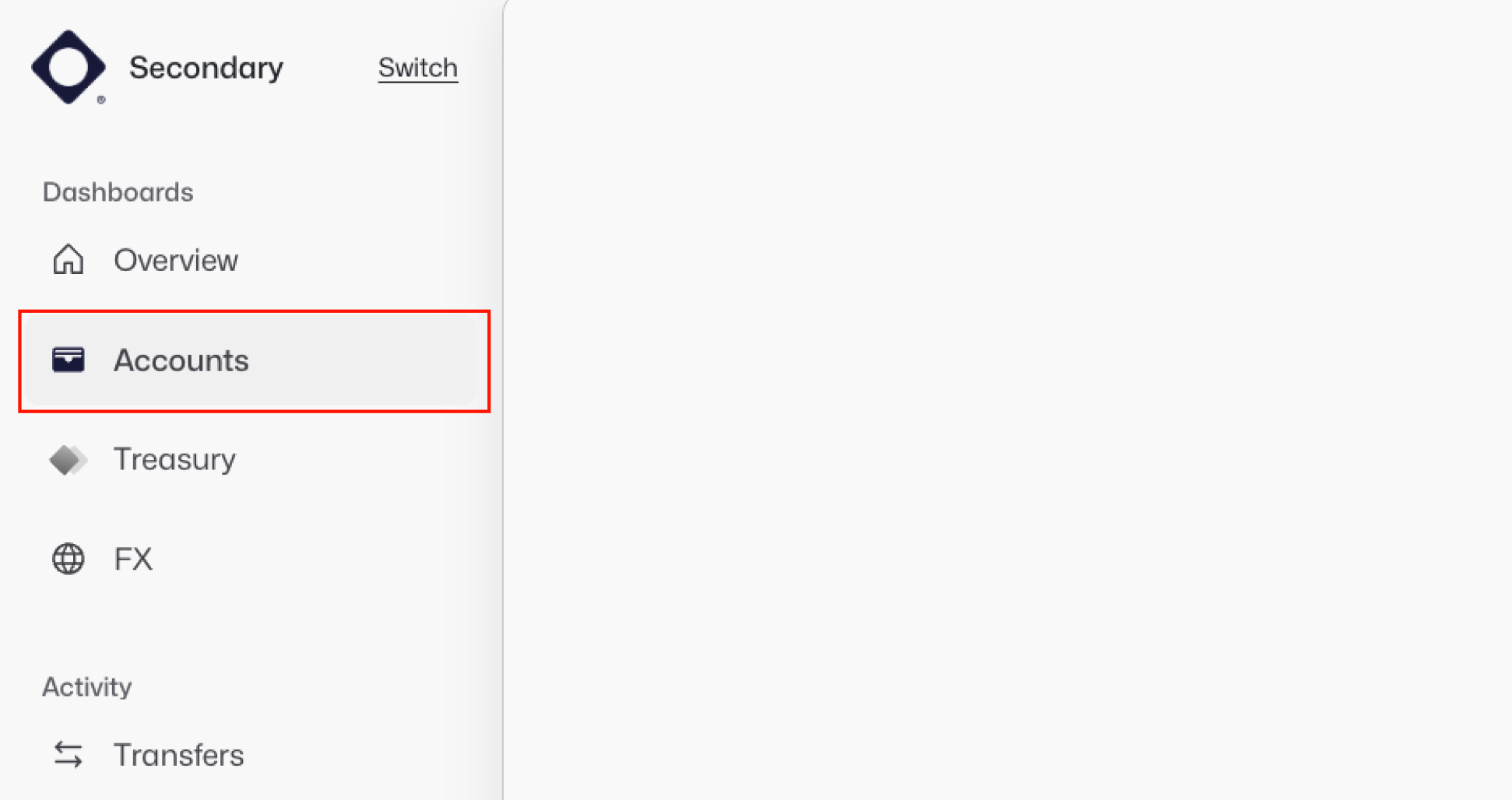
Navigate to the Accounts section in the left-hand navigation bar.
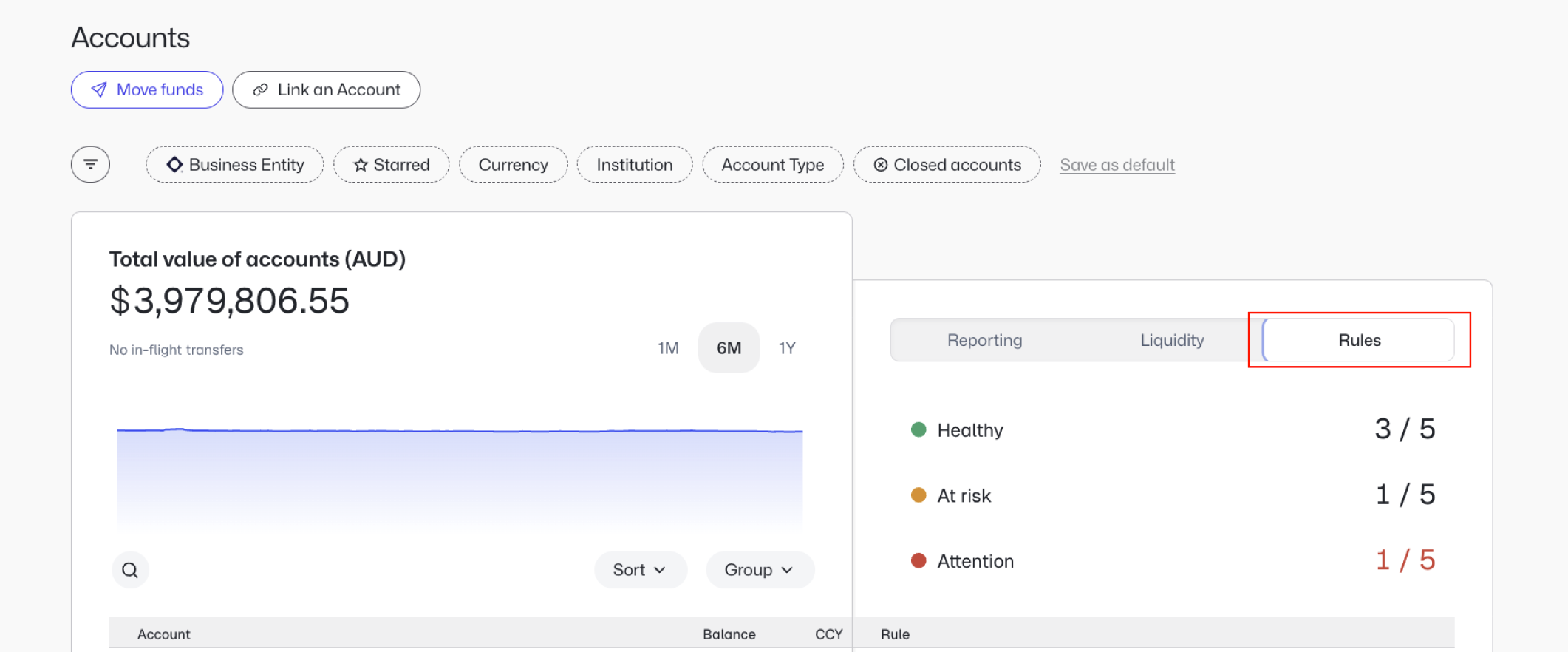
Click the Rules tab in the Accounts section.
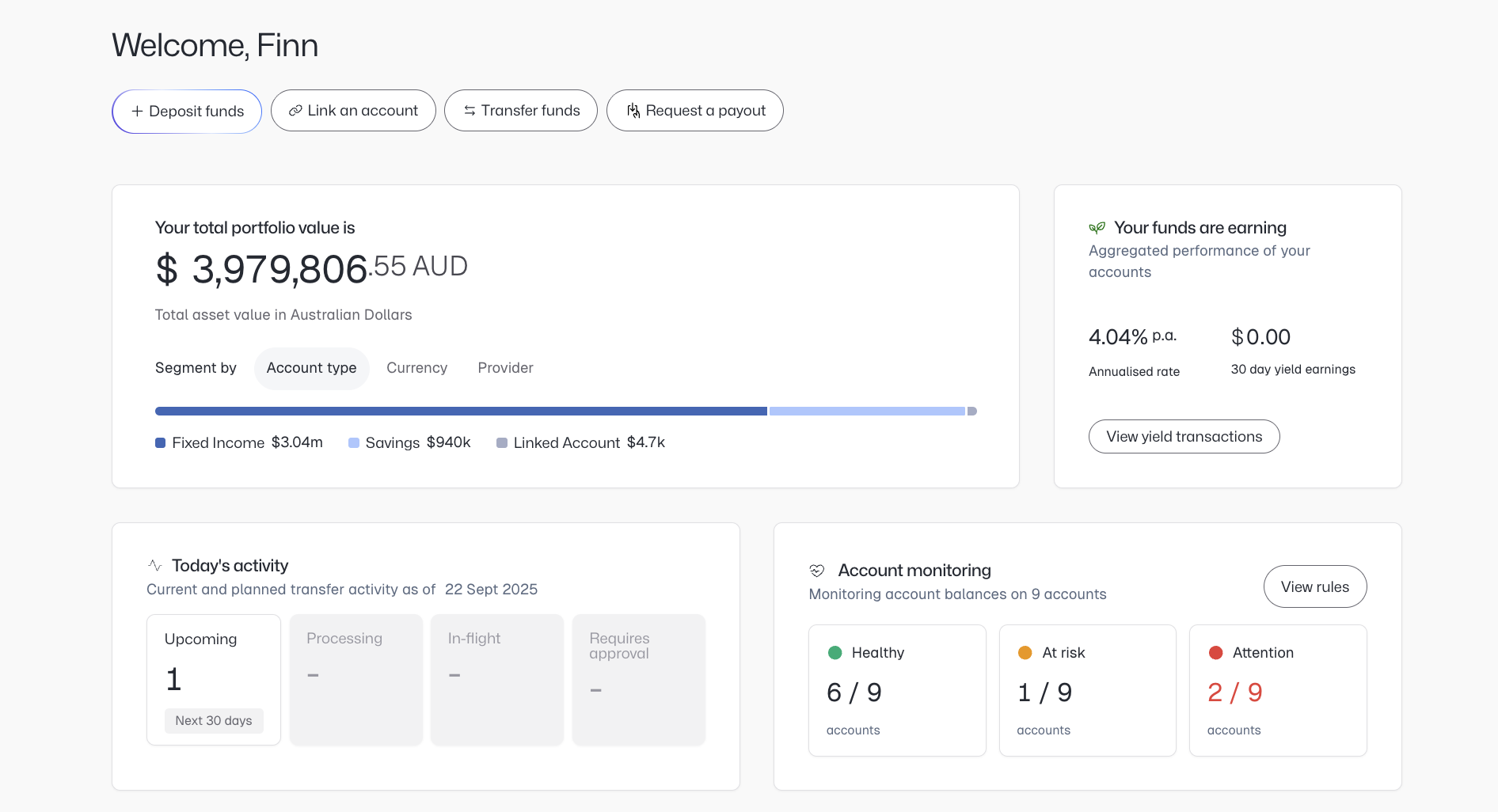
The overview will reflect which balances are Healthy, At risk and Require Attention. Identify which accounts you'd like to set rules on.
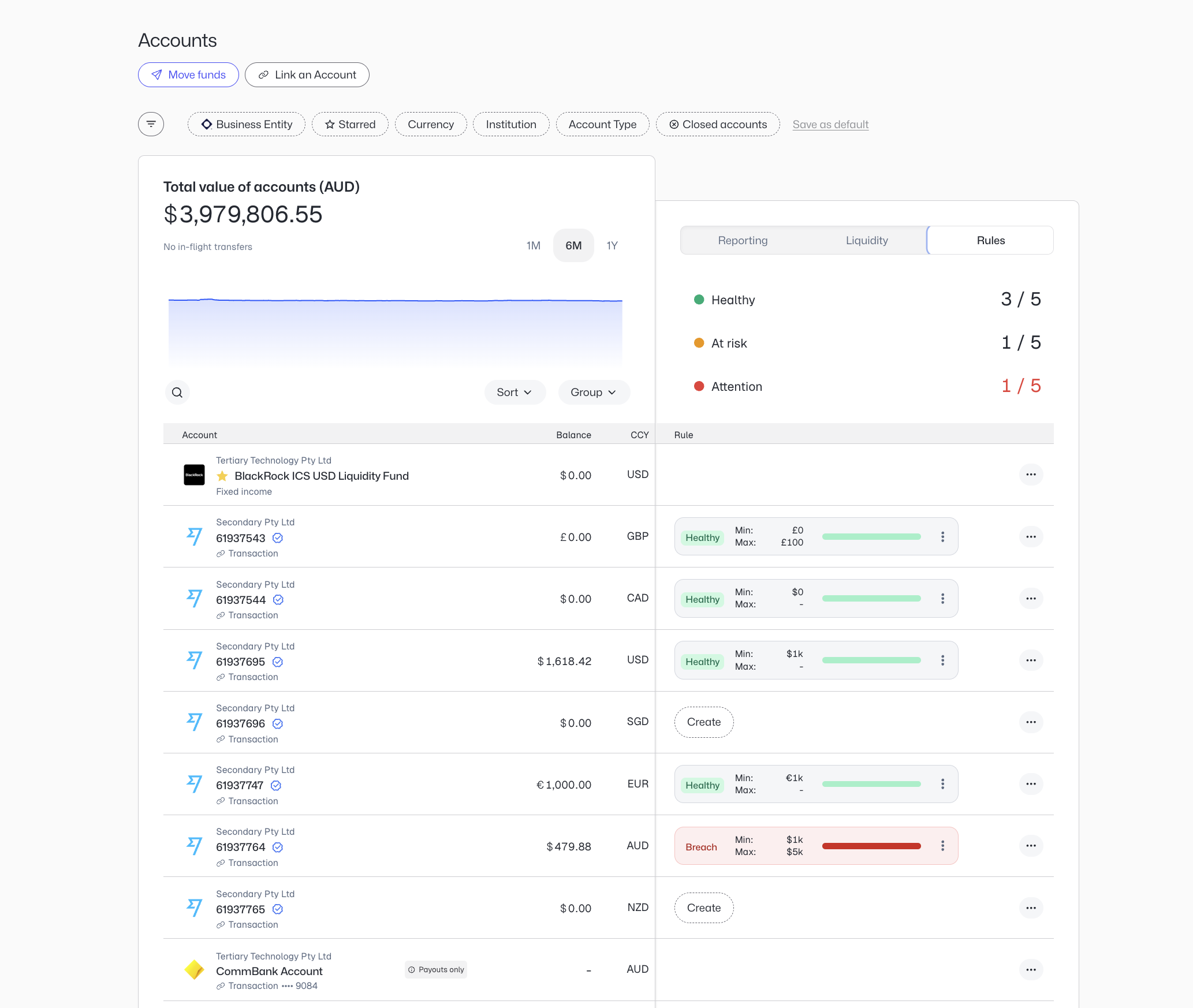
Click the three dots next to the Account Rule you'd like to set.
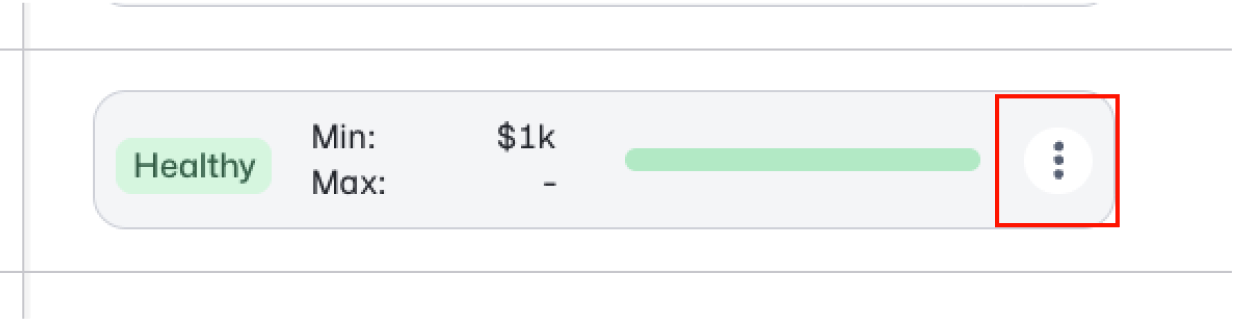
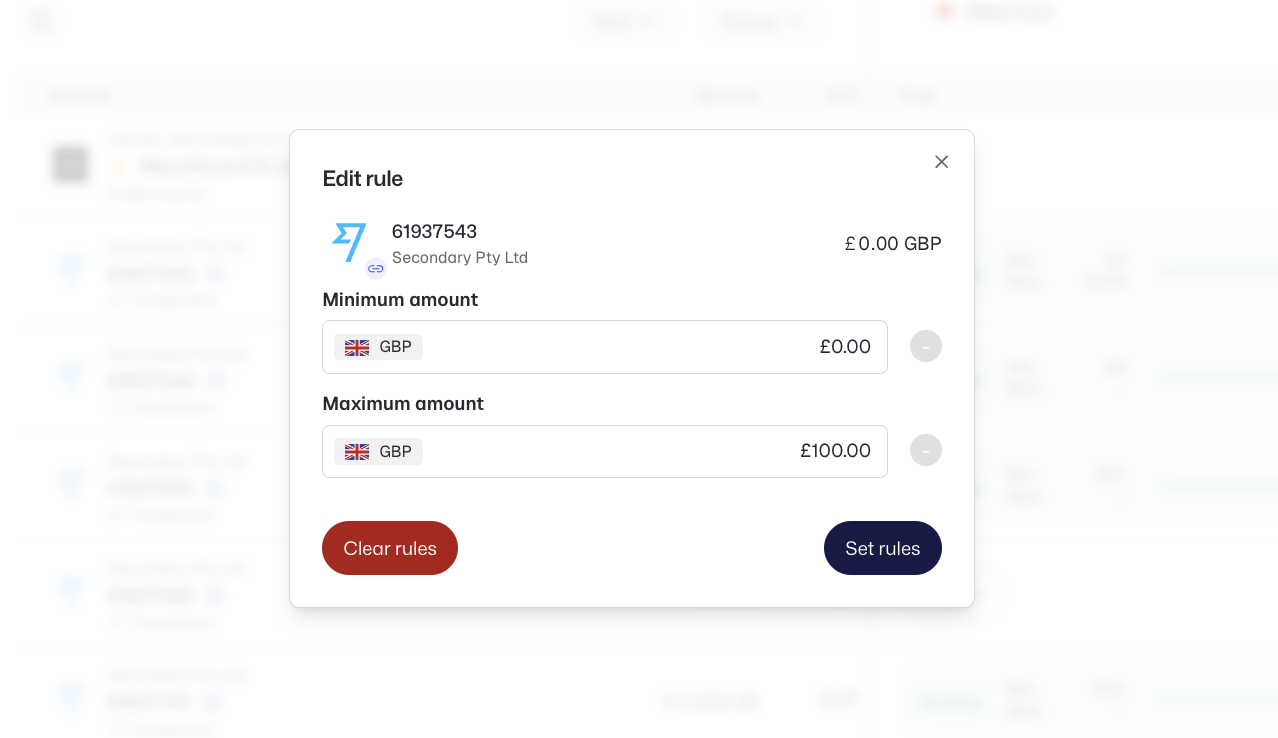
Configure the desired minimum amount and maximum amount you'd like to maintain in the account. Then click "Set rules".
Important information about balance rules
Your account status will be reflected in your Primary dashboard, giving you a summary of whether all accounts are currently being maintained.
For Primary-managed accounts (accounts opened within Primary), your accounts will automatically be maintained according to the rules you have set up.
For external accounts, you will currently need to manually sweep funds via the institution you bank with. Coming soon will be the ability to execute these transactions within the platform, leading to a fully automated sweeping solution.