How to optimise funds for yield (USD)
Last updated: September 29, 2026
Part 1: Open a USD fund account
Skip this if you already have one.
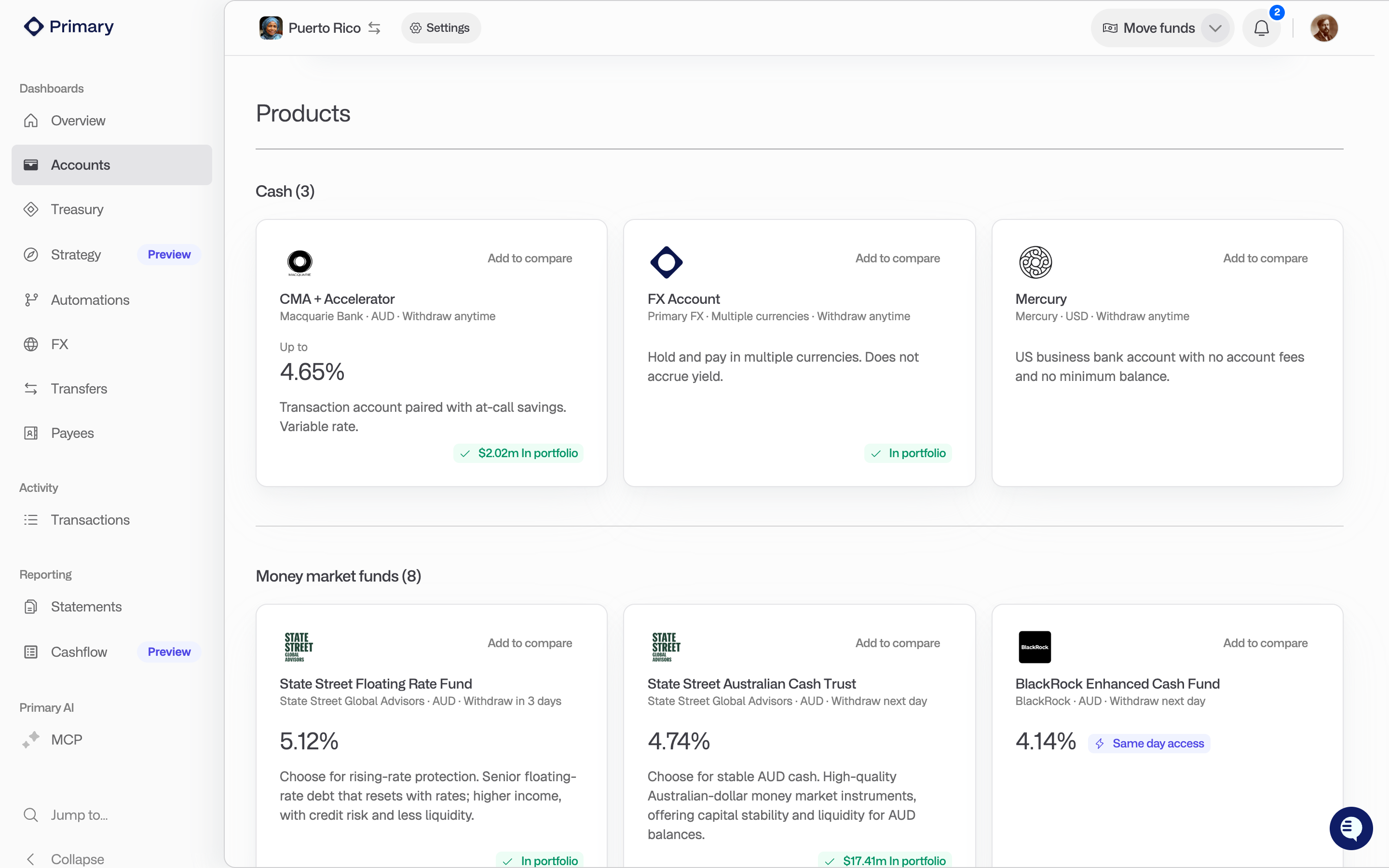
Go to Treasury or Accounts and click Browse products.
Under Money market funds, choose a USD fund. Each card shows the current rate, settlement time and minimum balance. The USD funds currently offered are:
BlackRock ICS USD Liquidity Fund (same day settlement)
BlackRock ICS US Treasury Fund (next day settlement)
BlackRock ICS US Dollar Ultra Short Bond Fund (next day settlement)
State Street USD Liquidity LVNAV Fund
State Street Institutional U.S. Government Money Market Fund
Morgan Stanley Institutional Fund Trust Ultra-Short Income Portfolio
Pick the business entity, read and acknowledge the product documents, and submit. Custodial accounts open straight away. Otherwise your application goes to the fund manager, and a task on your dashboard shows progress until the account is ready.
Part 2: Deposit USD into Primary
Click Deposit funds on the Overview page, or Move funds then Deposit.
Choose the business entity, then choose your USD deposit account. This is normally your Primary USD wallet. If you do not have one, you can deposit straight into the fund account.
Make the payment from your bank using the details shown. If a payment reference is shown, it must be included.
Click I have made a deposit. For deposits made straight into a fund, this is what tells us to place the trade once the money lands.
Part 3: Move USD into the fund
Once the funds show in your USD wallet, click Move funds in the top bar and choose Transfer.
Under Source, choose your USD wallet and enter the amount.
Under Destination, choose the USD fund account.
Click Review transfer, check the details, then Accept & Submit.
If your organisation has an approval policy for transfers, the transfer waits for approval first. Track it on the Transfers page.
Keep it topped up automatically
To sweep USD into the fund without doing this each time, go to Automations and create an Auto sweep. Choose the USD wallet as the source, the fund as the destination, and the balance you want the wallet to stay under.
If you cannot see a USD fund in Browse products, contact support@primary.tech.