How to optimise funds for yield (AUD)
Last updated: October 7, 2025
Part 1: Deposit AUD into Primary
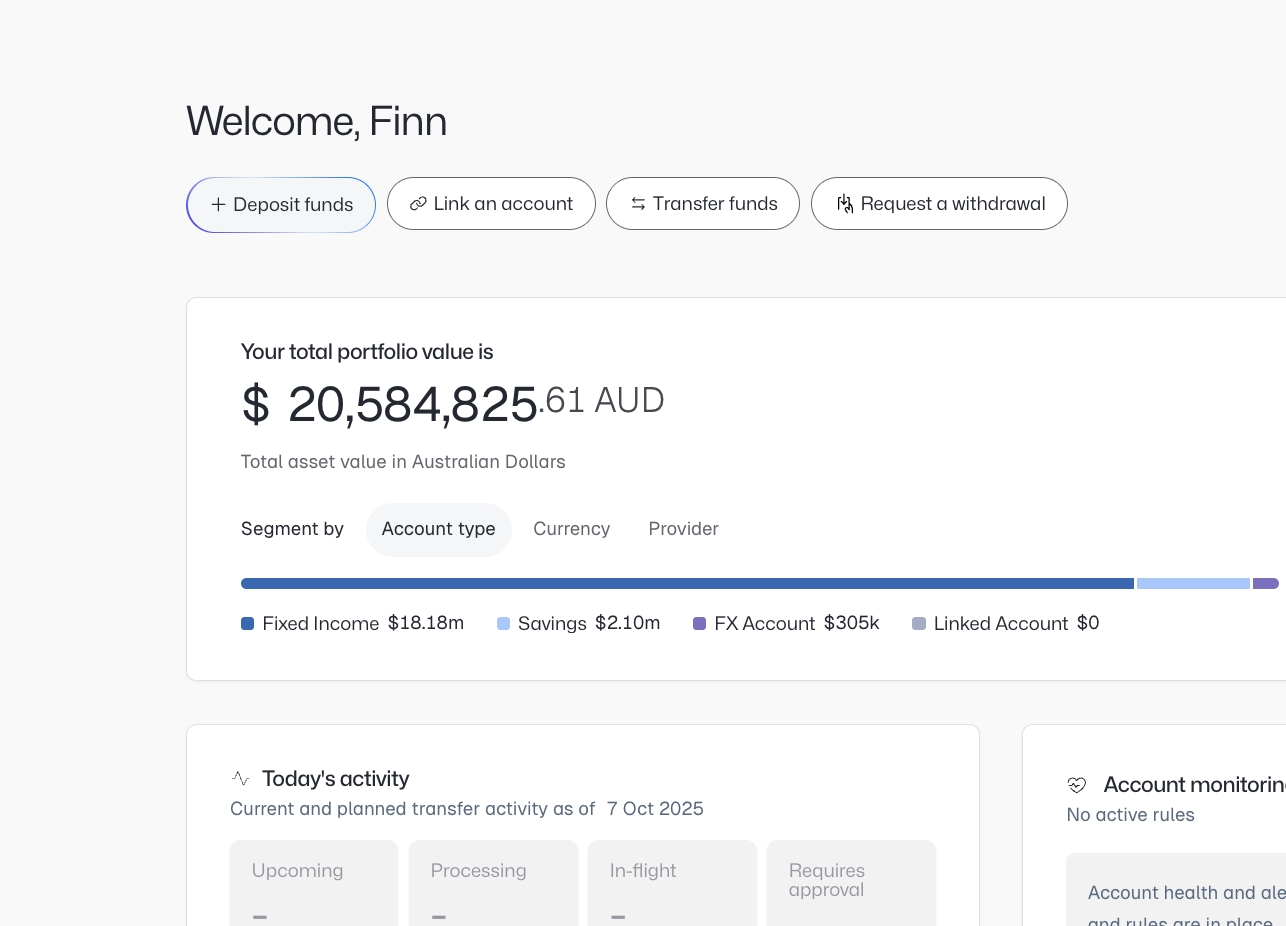
In order to get started, please ensure you have deposited AUD into your Macquarie CMA by clicking deposit funds.
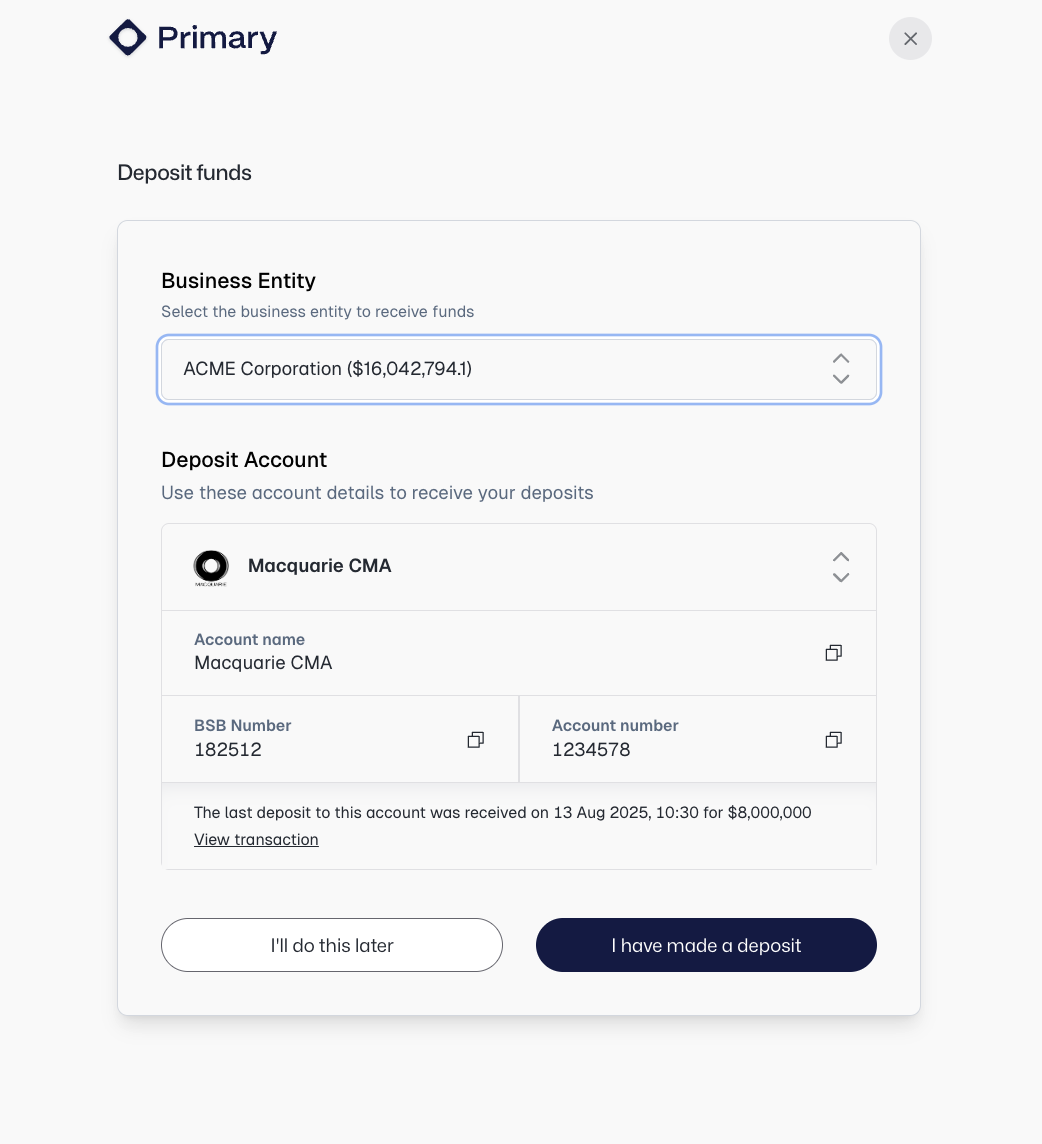
Ensure the deposit account is your Macquarie CMA and make a deposit using the reference details.
Part 2: Transfer funds into AUD yield accounts
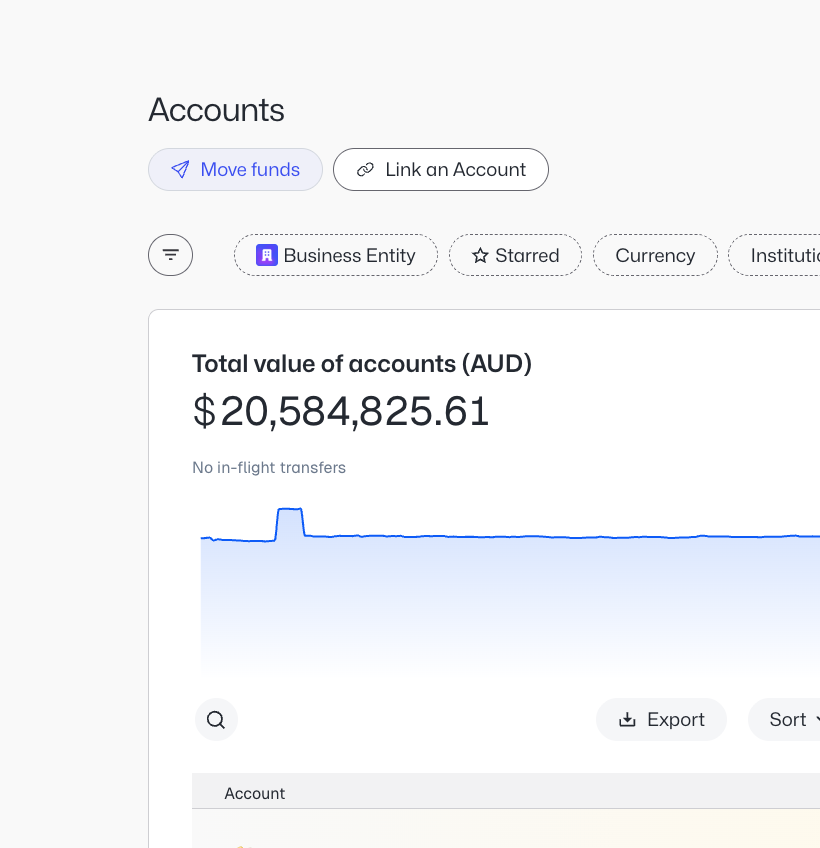
Once the funds have landed, navigate to the Accounts tab in the left hand pane. Click "Move funds".
Ensure your Macquarie CMA is selected as the 'Transfer from' account and the destination account as the 'Transfer to' account.
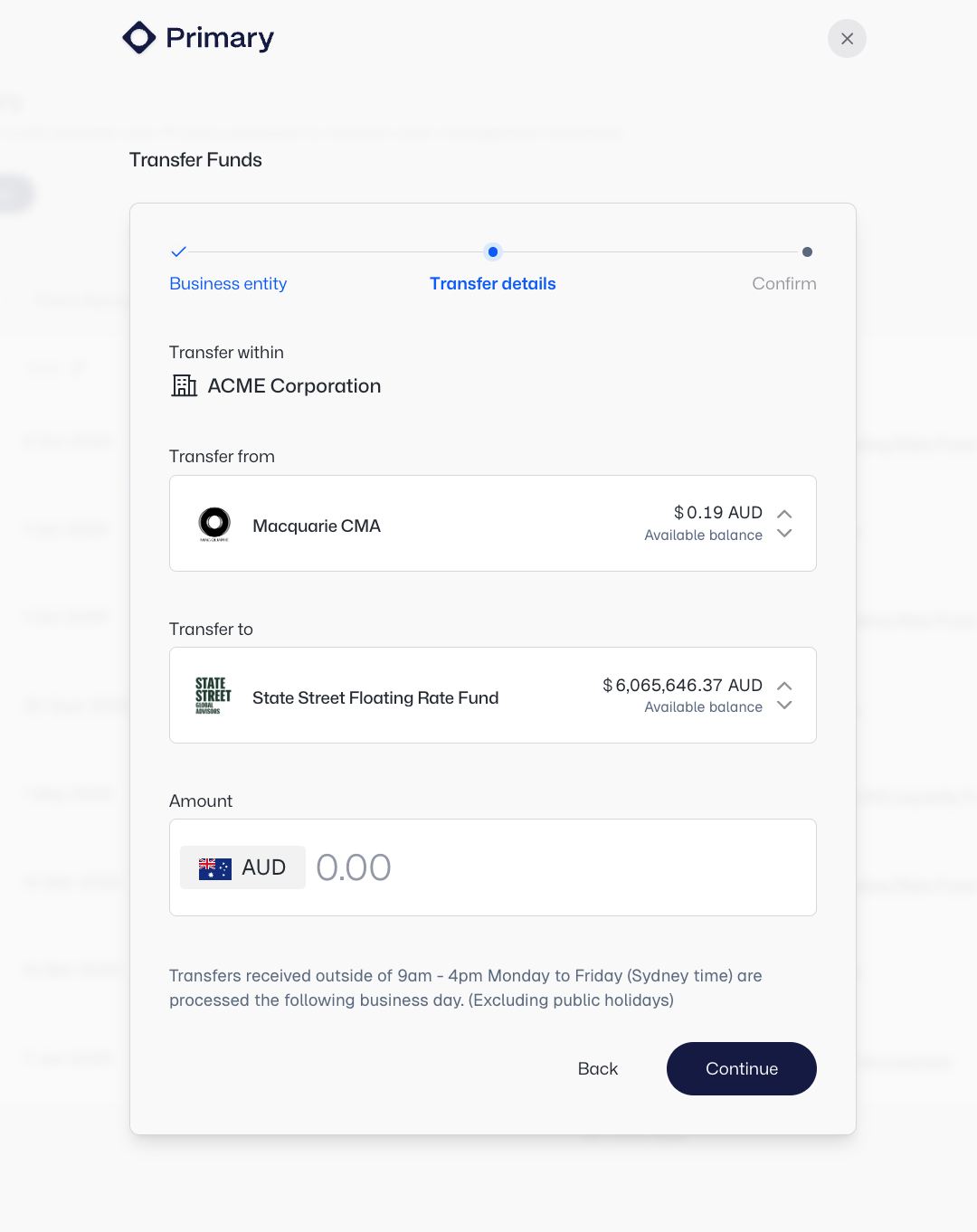
You have a range of yield options within Primary, which you can learn more about and request to be opened via support@primary.tech.
If you do not see any of your yield accounts, please contact support@primary.tech.